60 FPS · <10ms · Lossless · Zero GPU
Your Mac,
on paper
Use your Mac on paper-like screens — for more calm, deeper focus, and better health.
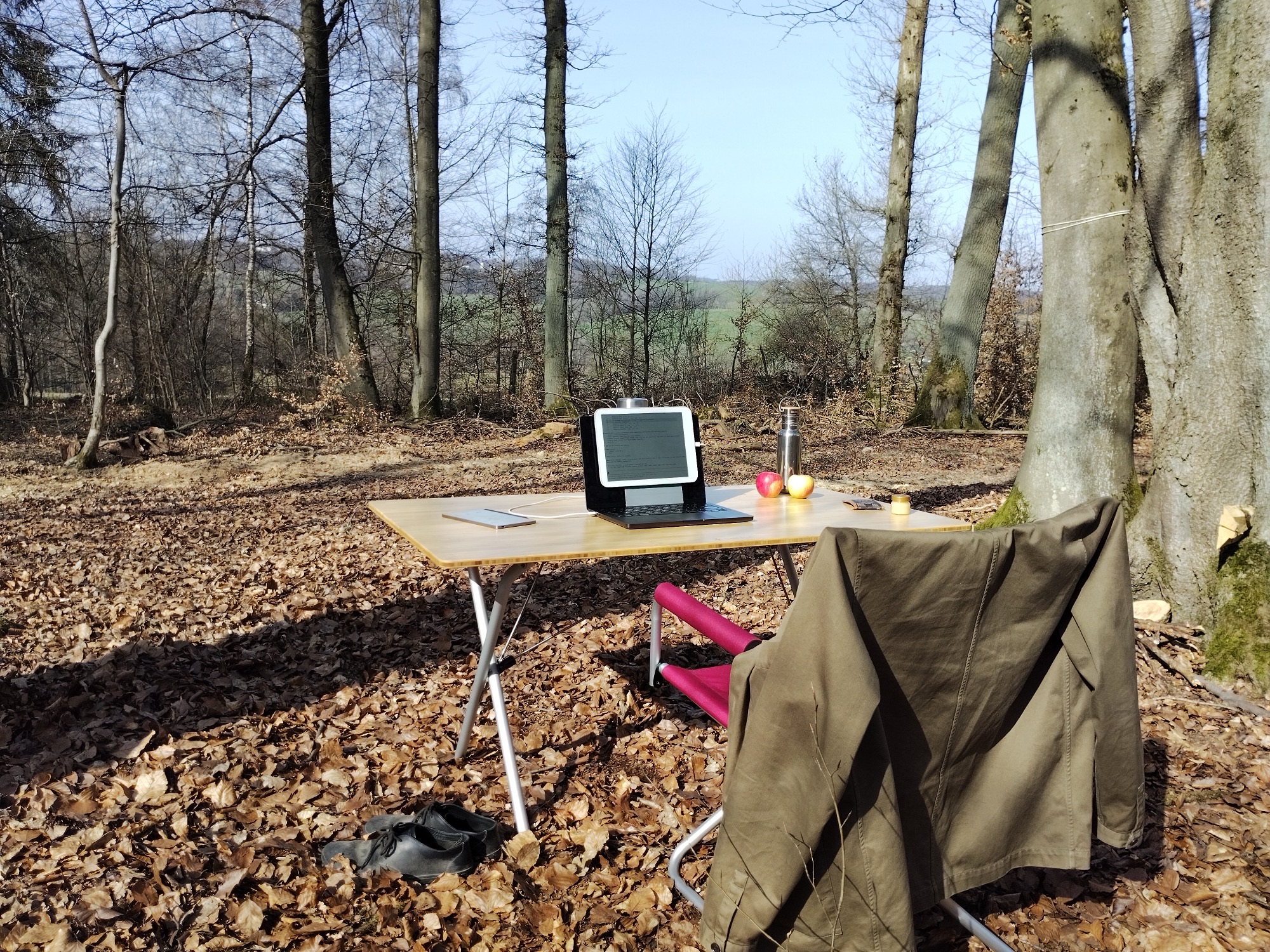
Use your Mac on paper-like screens — for more calm, deeper focus, and better health.
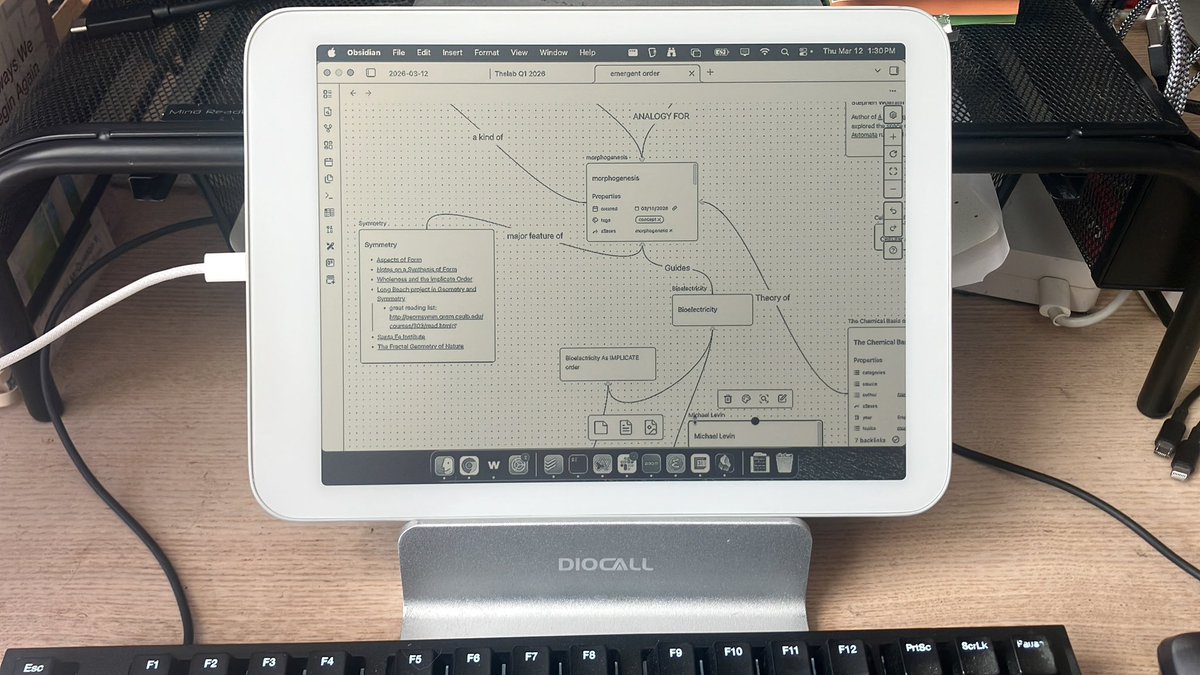
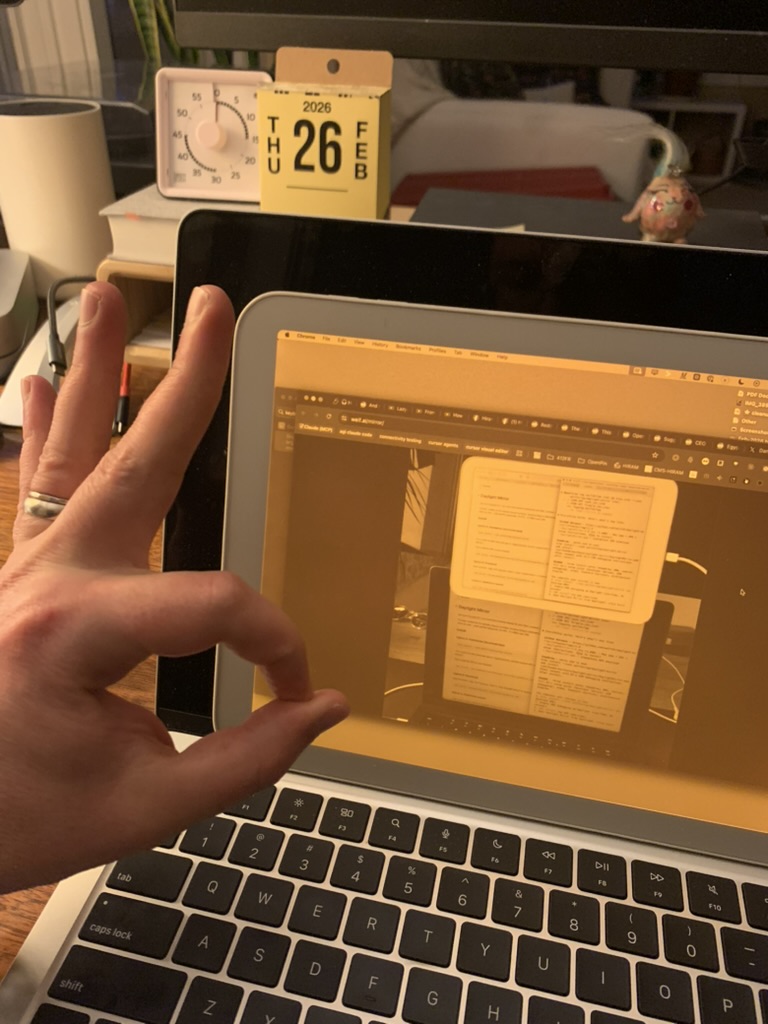
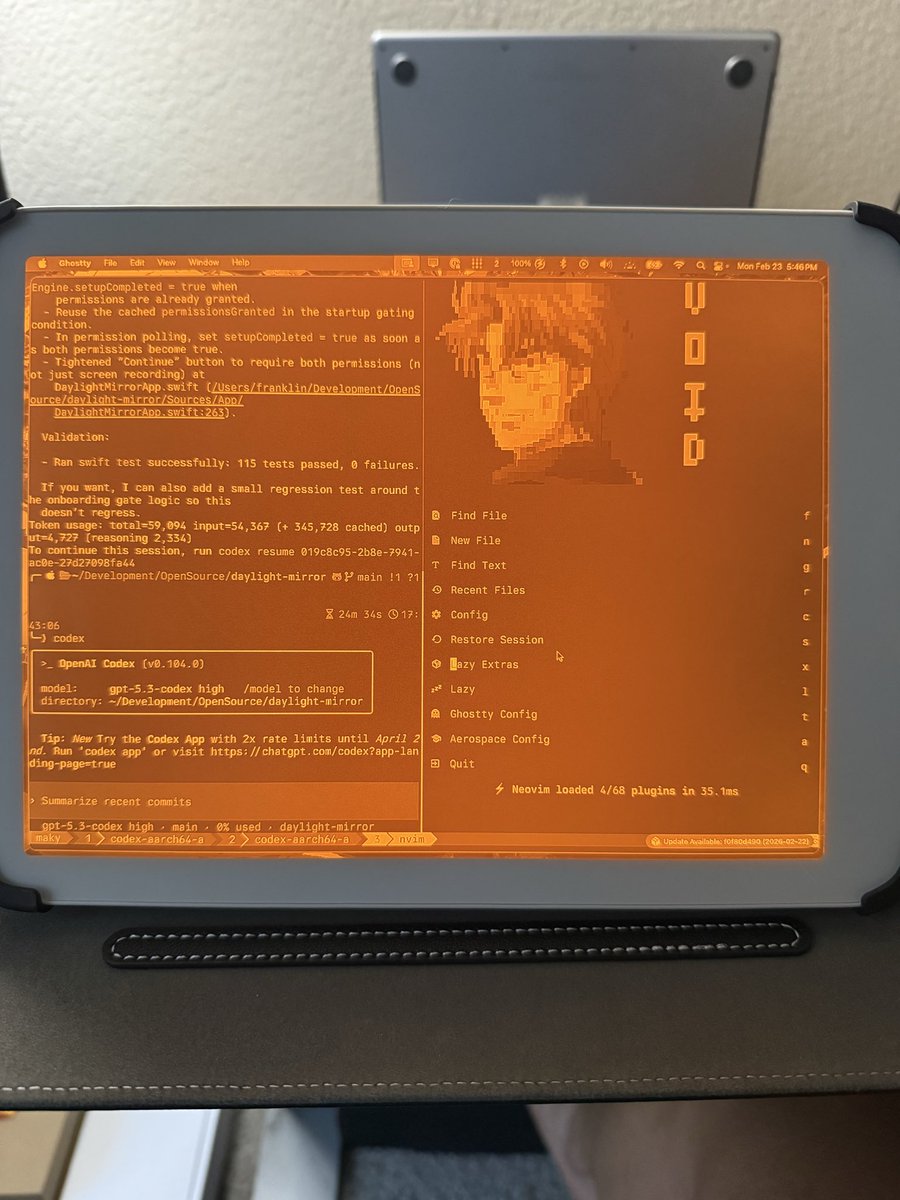
SuperMirror turns a paper-like display into a real-time external screen for your Mac. Everything you do — code, write, browse, design — rendered on a calm, flicker-free, daylight-readable surface.
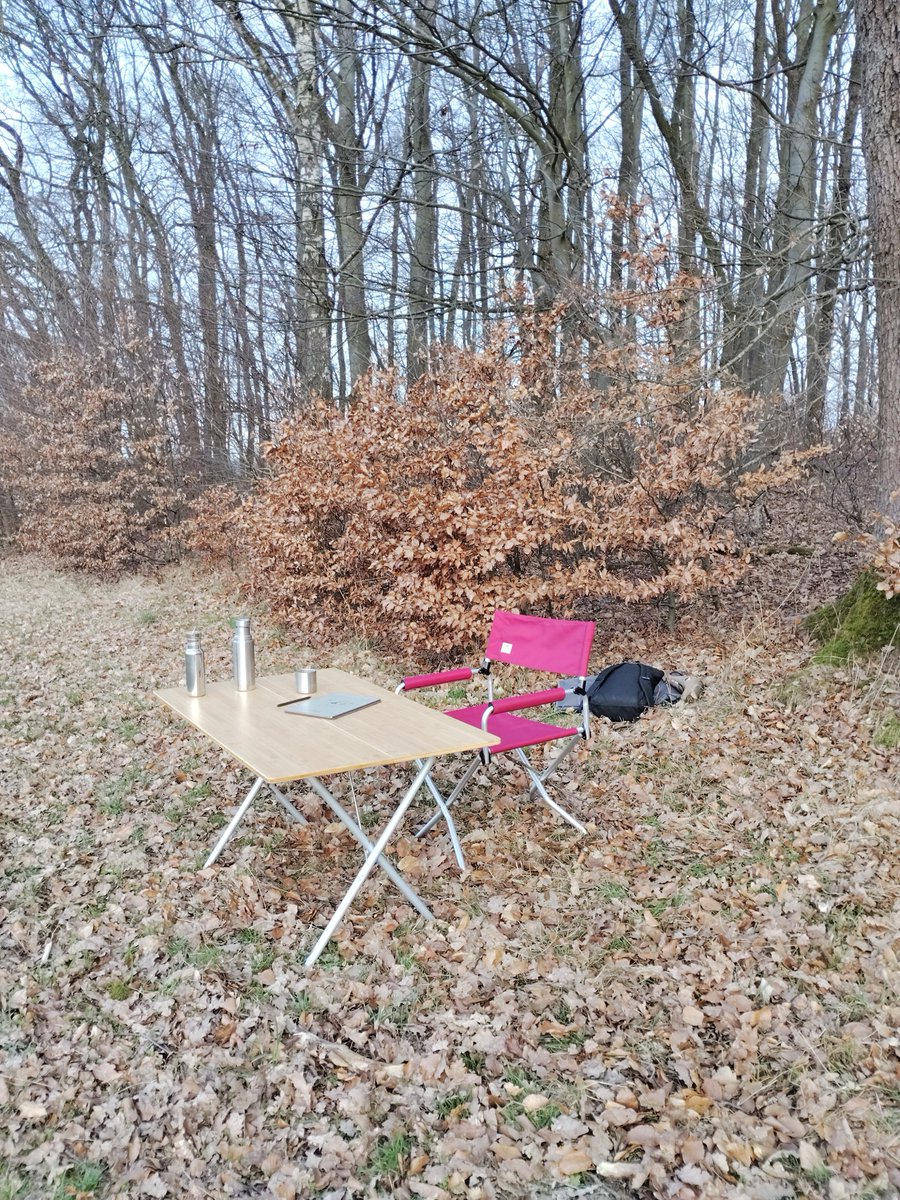
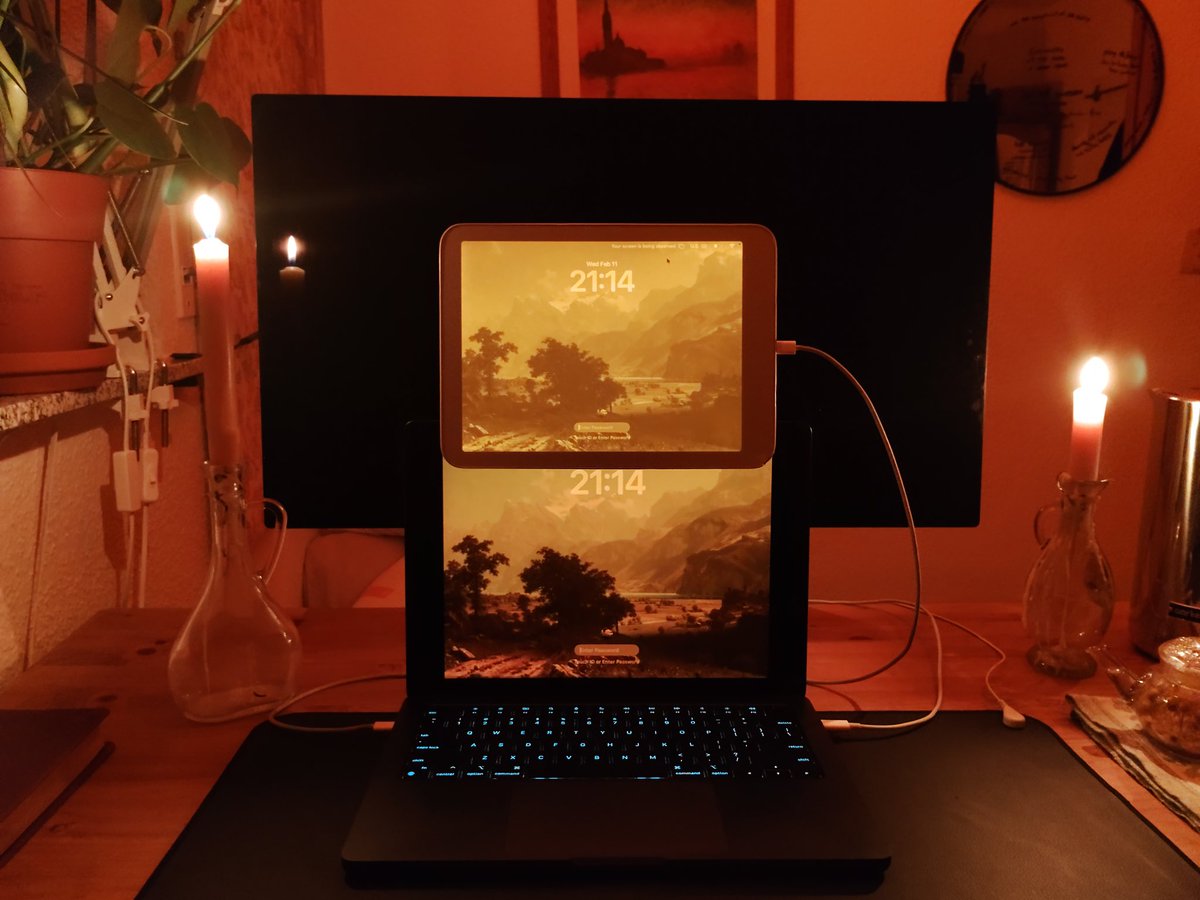
Plug in USB and it starts. Full resolution, perfectly fitted, instantly responsive. Work outside in direct sunlight. Work by candlelight. Work without the eyestrain.
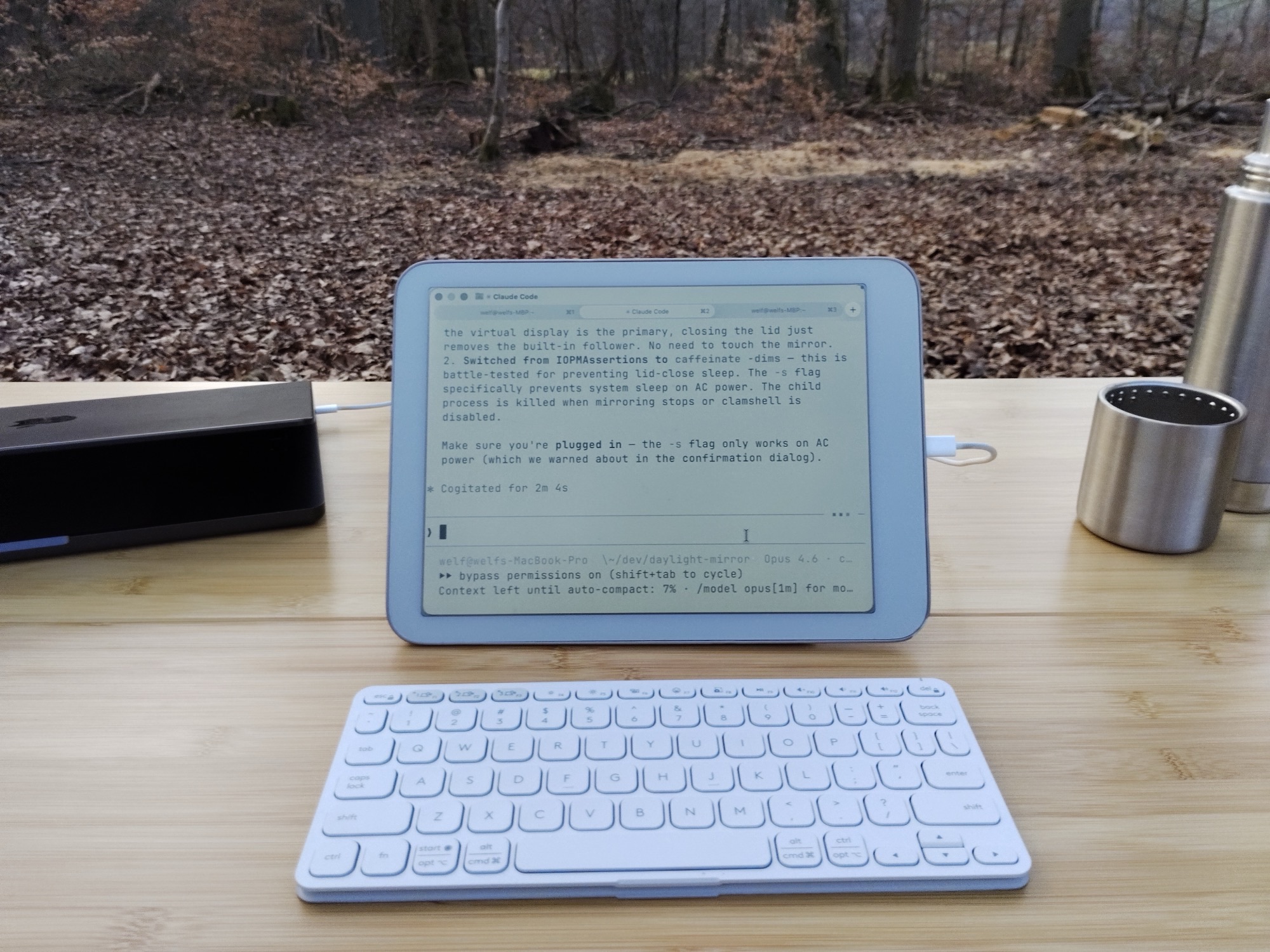
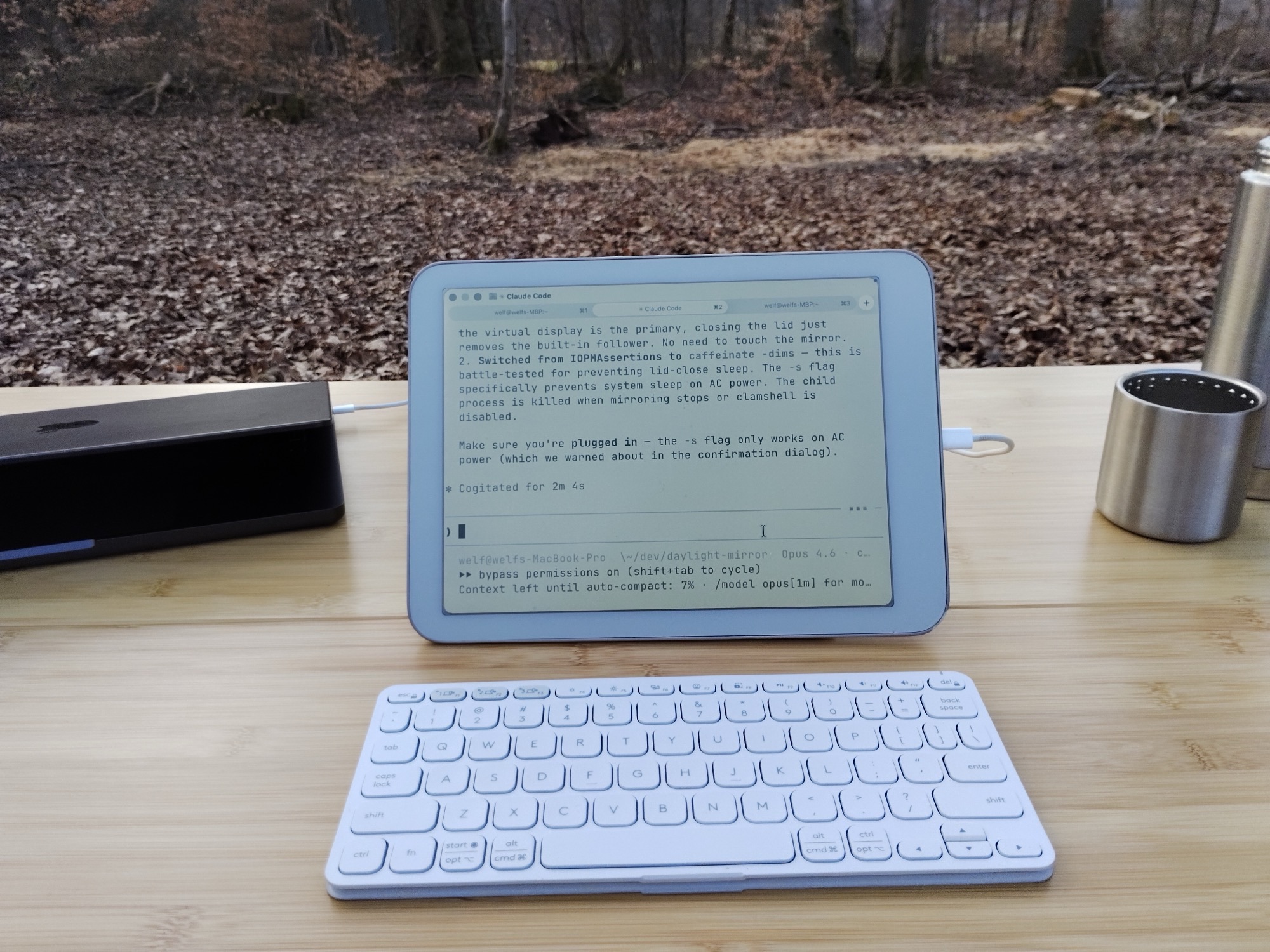
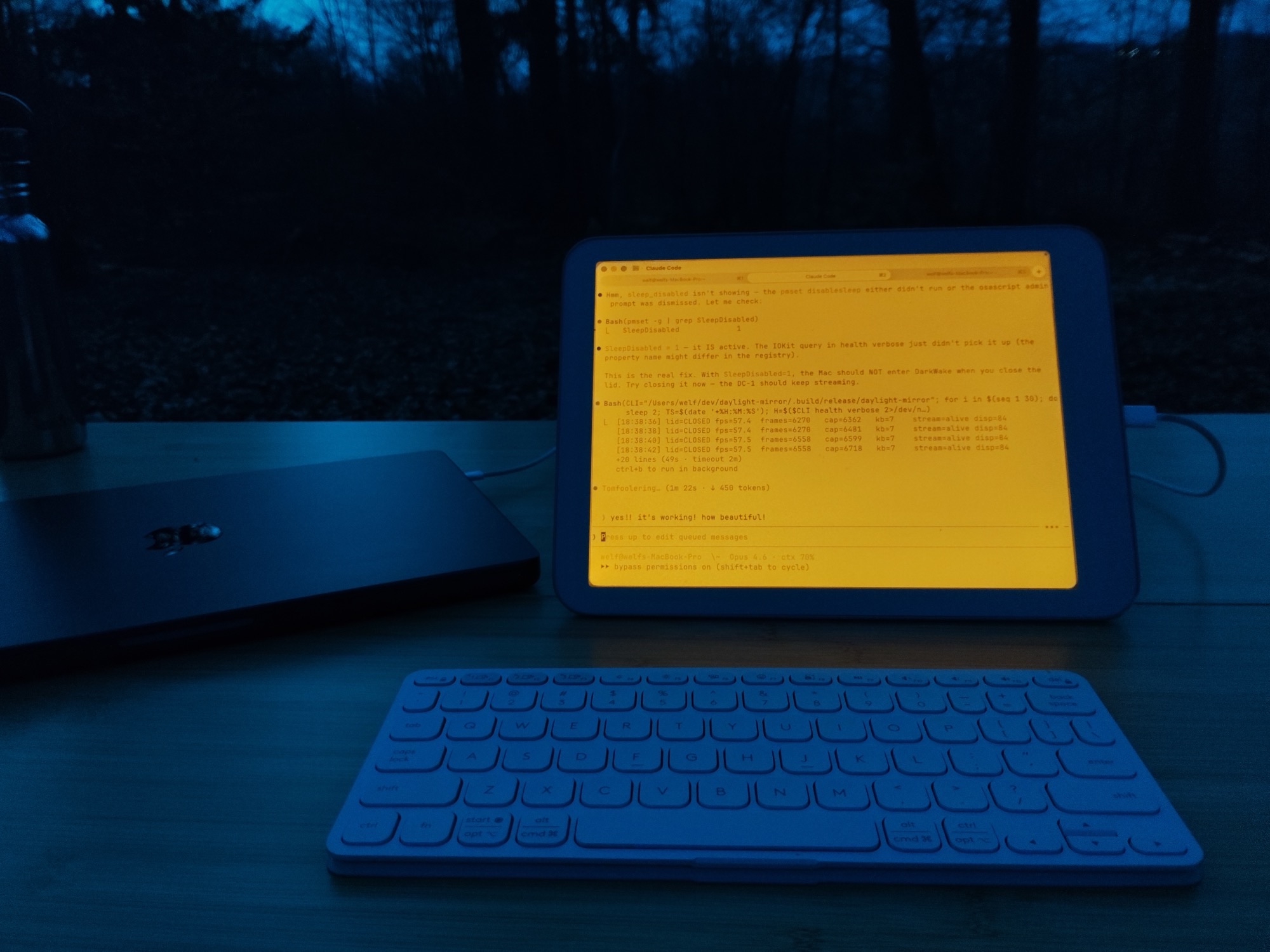
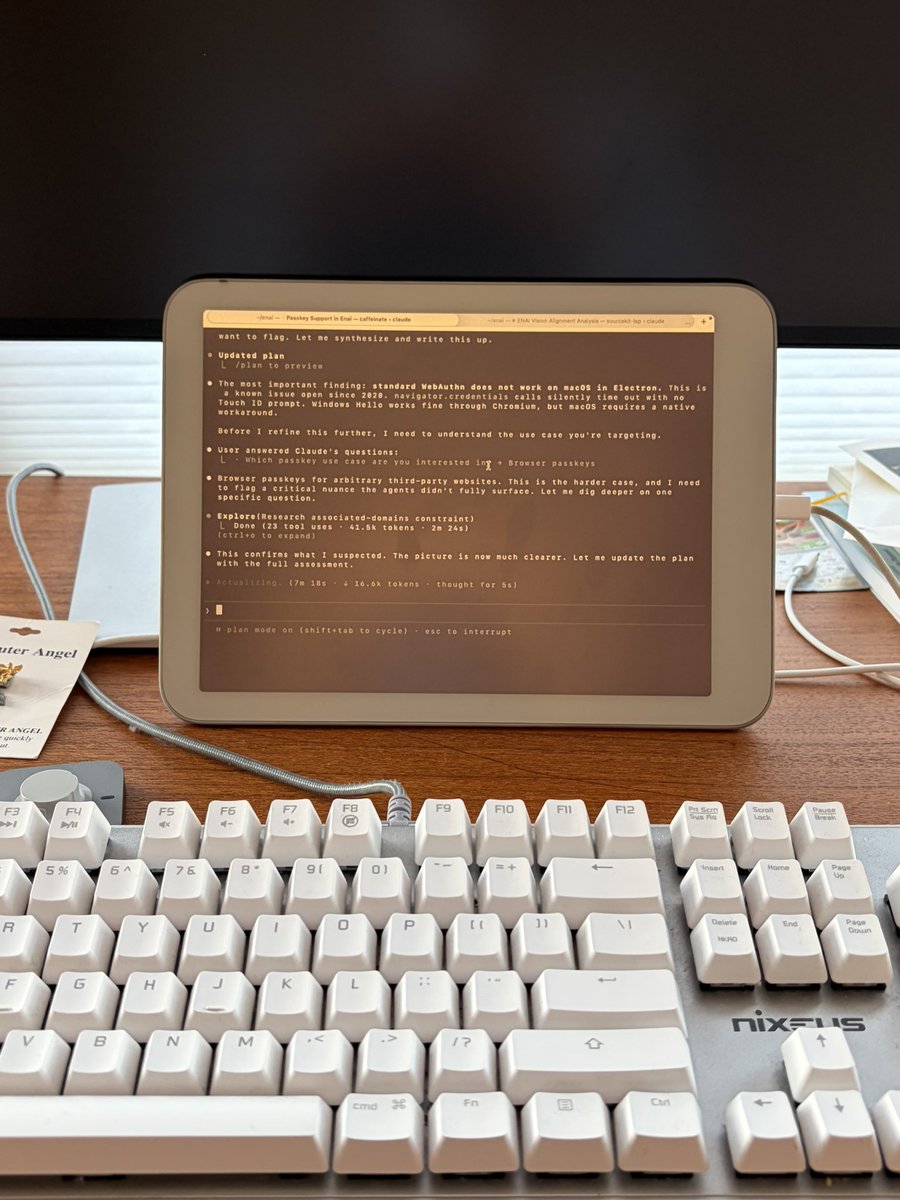
First-class support for Daylight DC-1, Boox, Hisense, and Dasung. Dedicated greyscale pipeline with contrast LUT, sharpening, and hardware brightness and warmth control.
OptimizedSamsung, Pixel, OnePlus, Xiaomi — any Android tablet or phone via USB. Full RGB color, portrait or landscape, auto-detected resolution. Plug in and it works.
UniversalDirect USB connection. No network overhead, no perceptible delay. It feels native.
Matches your device's exact native resolution. Eight presets from Cozy to Sharp — zero distortion.
Plug in USB. SuperMirror finds your device, picks the right resolution, and starts. No configuration.
Dedicated greyscale rendering with contrast LUT and sharpening, tuned for paper-like screens.
Hardware display controls via keyboard shortcuts. Warmth slider, backlight toggle, all from the menu bar.
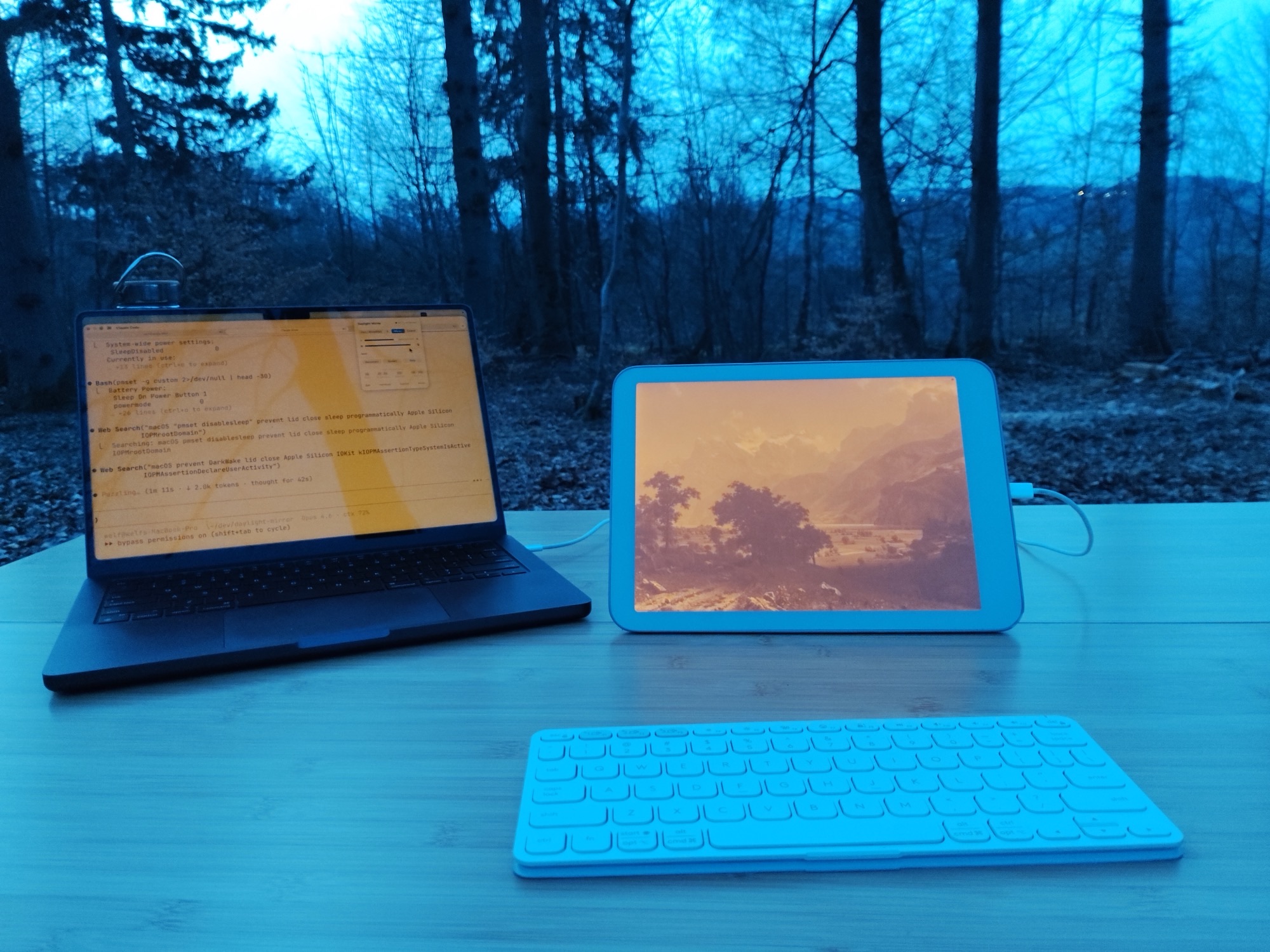
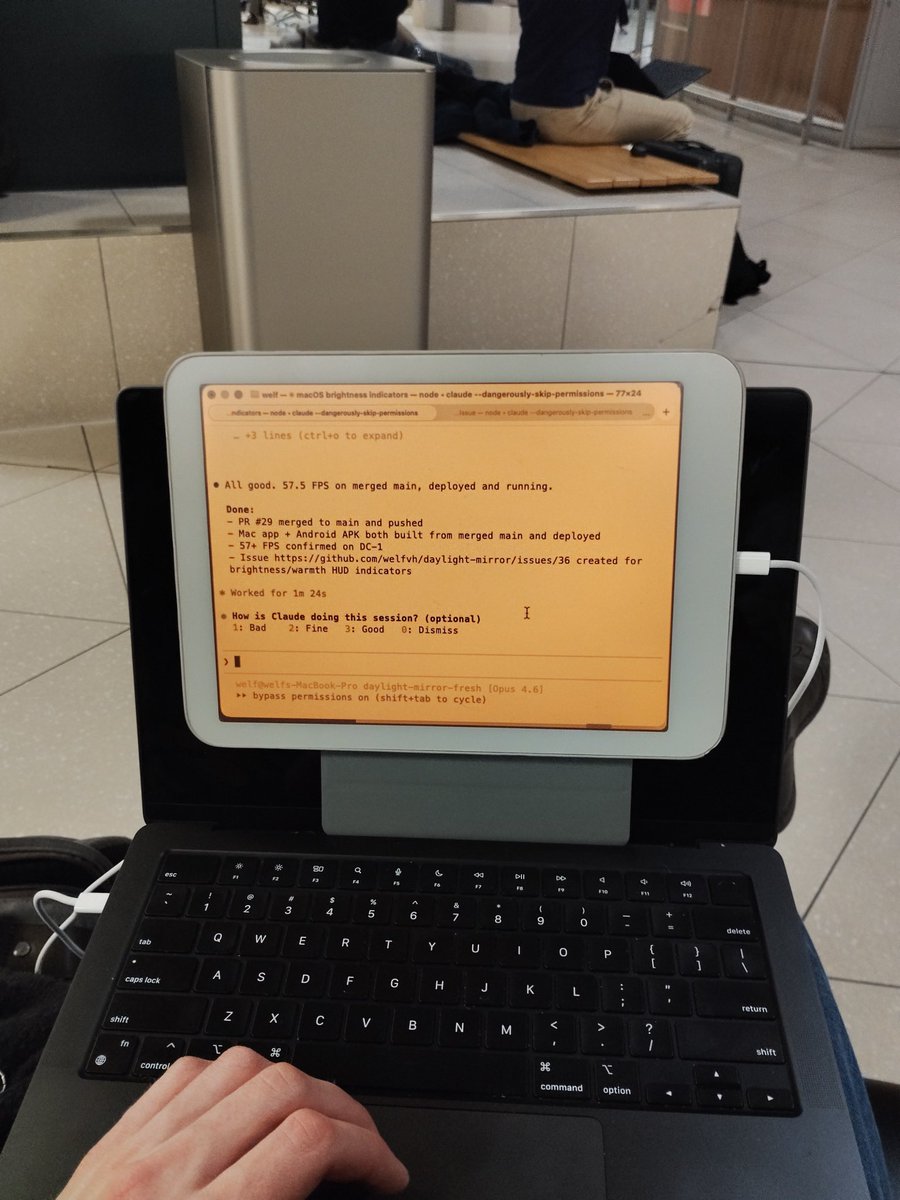
Close your laptop lid. Keep working on the external display. Your Mac, untethered from its own screen.
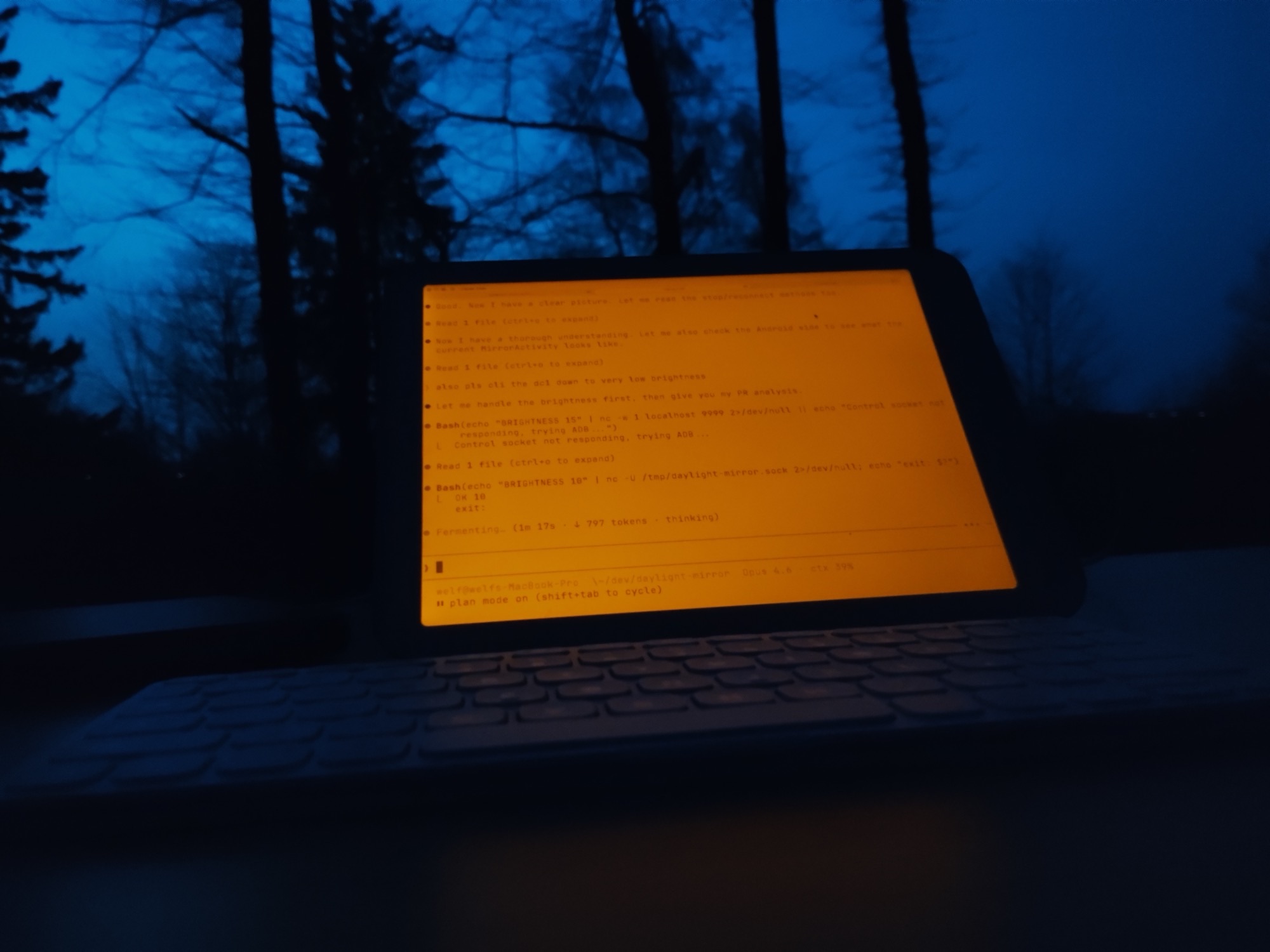
The Daylight's reflective display produces no light on its own. Turn on the backlight at night and dial the warmth all the way up — warm amber, like working by candlelight. Your circadian rhythm stays intact.



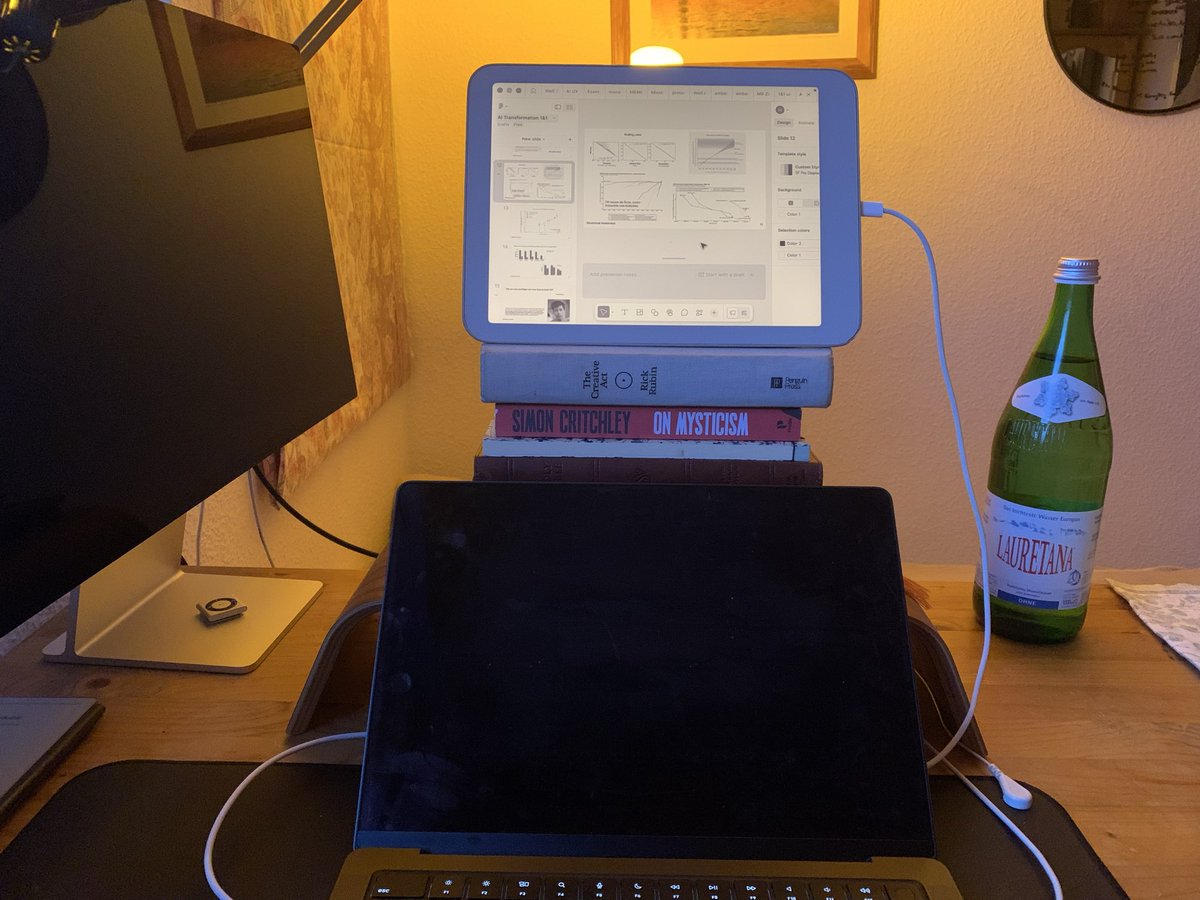

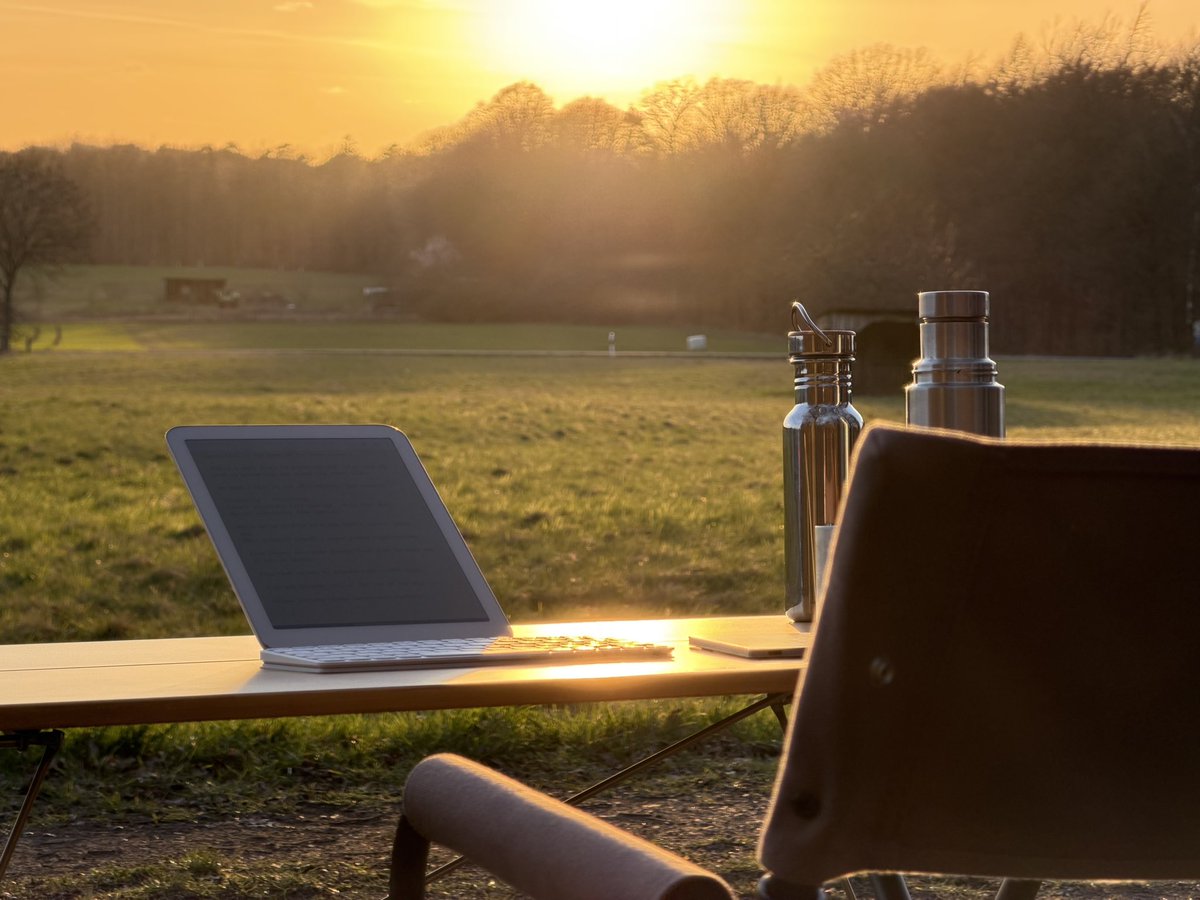

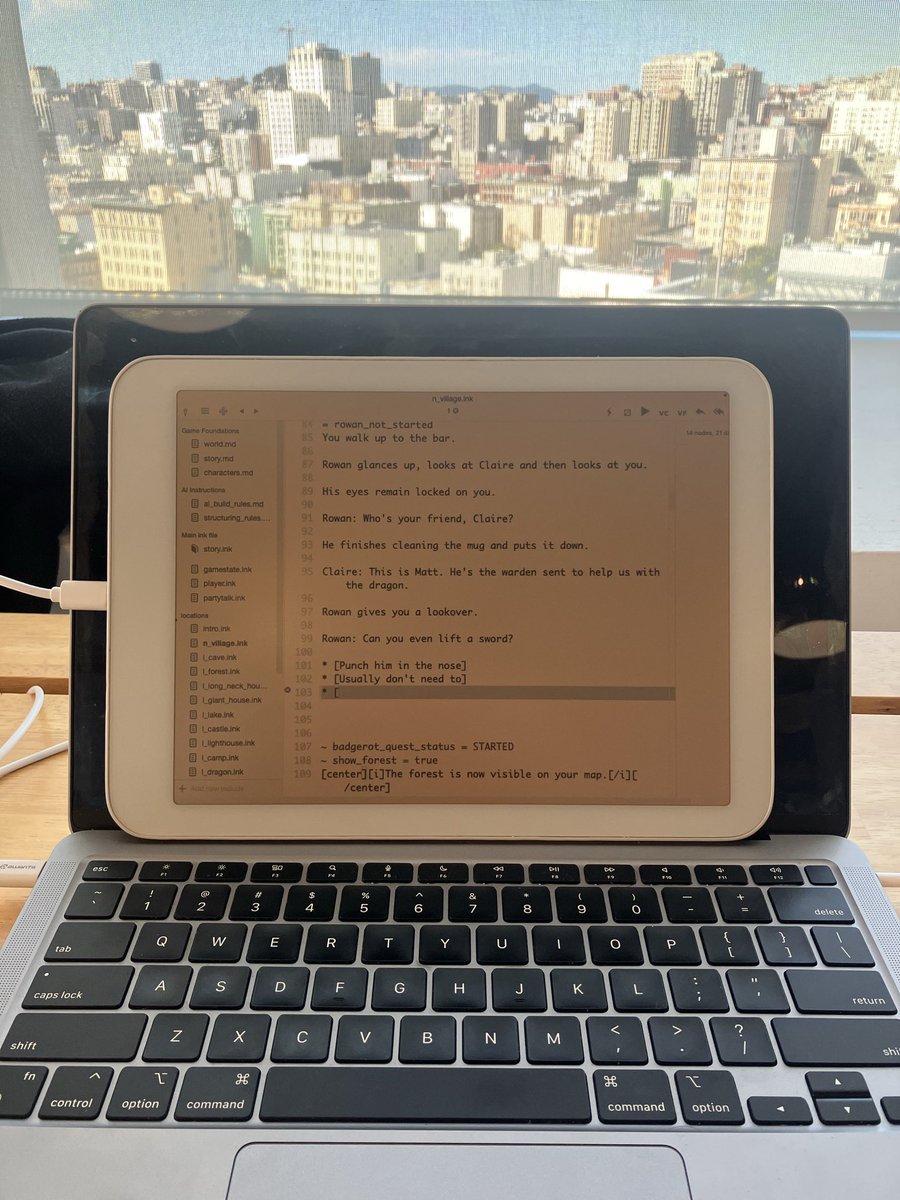

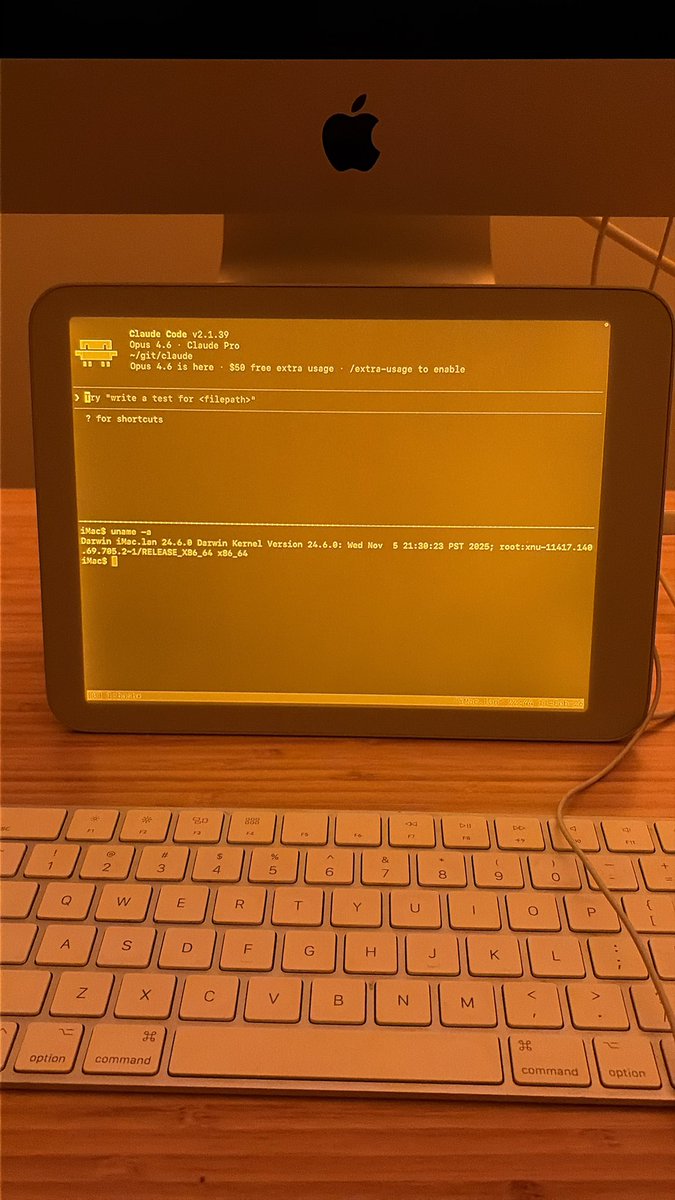




One-time purchase. No subscription. No account.
Download Free Trial Buy Full License — $29Drag to Applications, open from Spotlight. The setup wizard walks you through permissions.
Plug in your Android device. SuperMirror auto-detects it and handles everything.
Pick a resolution, click Start. Your Mac screen appears on the display in seconds.
SuperMirror auto-detects your device. E-ink and reflective displays get a dedicated greyscale pipeline with sharpening and contrast tuning. Color e-ink devices receive full RGB. Standard Android devices get full color. All at 60 FPS.
Any Android device connected via USB. First-class support for Daylight DC-1, Boox, Hisense, and Dasung with dedicated display profiles and hardware controls. Also works with Samsung, Pixel, OnePlus, Xiaomi, and more.
A guided setup wizard walks you through everything on first launch. The whole process takes about five minutes.
7 days of full, unlimited access. After that, mirroring works for 30 minutes per day. Buy a $29 one-time license for unlimited use. No account, no subscription.
SuperMirror is a one-time $29 purchase (Duet is a subscription), optimized specifically for paper-like displays with a dedicated greyscale pipeline, and uses zero GPU. Built for a different kind of computing — calm, focused, and easy on the eyes.
Email welf@supermirror.app. For common issues, check the troubleshooting guide in the Help section.
Free 7-day trial. $29 one-time. No account needed.
Download SuperMirror